
Context
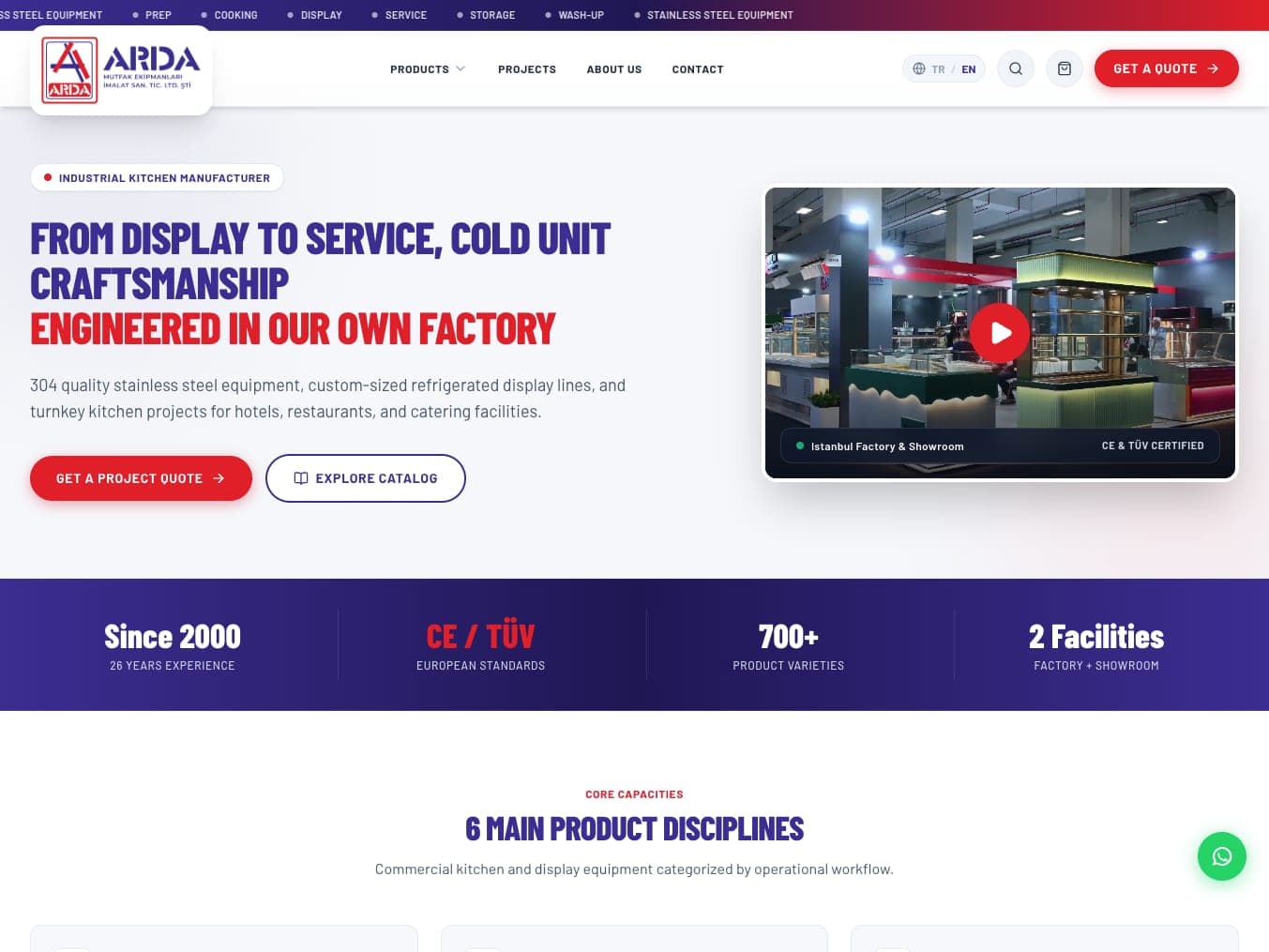
Arda Mutfak manufactures food display and service cabinets for cafés, patisseries and restaurants. We built its website, its product catalogue, its admin panel and the photo flow that runs from the workshop to the site.
Challenge
Arda's old site, built on WordPress, had fallen out of date. The product images lived in a printed catalogue; the website had been left behind.
The real loss was elsewhere. When a cabinet was finished in the workshop, someone took a photo, shared it on WhatsApp — and there it stayed. A visitor asking do these people actually make what they sell? couldn't see the answer. The answer existed. It just wasn't on the site.
Idea
Don't change the habit. The photo is still taken on a phone, in a few steps. The difference: now it goes to the site too.
What we made
- Website design and development — Turkish and English
- Product catalogue — every image in the printed catalogue's PDF cut out and made ready for the site
- Product range — filterable by type of business
- Project quote requests — through the site
- Admin panel — Arda updates its own site
- From Production — a module that takes workshop photos from a phone to the site
- "Request This Build" — from every production entry, a WhatsApp message with the entry code already written in
The detail that matters: From Production
A product photo can be taken in a studio. A photo of a cabinet that has just left the workshop can only come from the workshop. From Production is the module that takes that photo from the foreman's phone and puts it where it belongs on the site.
One question at a time
Each foreman has a personal link and PIN; the link sits on the phone's home screen like an app. The upload screen shows one question at a time: what the unit does (display, service, cooking…), what it's for (pastry, meat, hot food…), the format if it's a display cabinet, and which category. Then the camera opens; several photos become one entry. The choices stay visible at the top of the screen, and a wrong choice means starting over.
Works without internet
The selection steps work offline. If there's no connection at the moment of sending, the photos wait on the phone and go out on their own once the connection is back.
The system does the editing
Each photo is rotated to match how it was taken, cropped to 4:5, converted to a format that won't slow the page, and stamped with the Arda logo in the corner. The entry code and title are generated from the real category name and the month of production.
Nothing goes live unapproved
A workshop photo can be messy. So every entry waits for approval first. An authorised person approves it, hides it or corrects its category — from the admin panel or from their phone.
Live: three places and one button
An approved entry appears in the Fresh From Workshop section on the home page, in the latest-production strip on its category page, and on a page of its own. Each entry's page is added to the sitemap: original content, straight from the workshop, that can be found in search.
Every card carries a "Request This Build" button. Tap it and WhatsApp opens with the entry code already in the message. The customer doesn't have to describe which cabinet they saw; the company knows which entry the message came from.
The other detail
The product images were in the printed catalogue's PDF. We cut every one of them out and made them usable on the site. Today Arda doesn't wait on anyone to add or change a product; it updates its own site from the admin panel we built.
Outcome
Arda's site does two things at once today: it shows the product range, and it shows what is being made in the workshop. The photo is still taken on a phone — but it no longer stays in WhatsApp; once approved, it goes live on the site with a page of its own. The module is live, and real uploads from the workshop have started.